
macOS 27 Broke Every Menu Bar Manager. Three Work Again
macOS 27 renders the whole menu bar as a single window instead of one window per icon, which broke every menu bar manager at once on beta 1. Three are working again: Bartender 6, Brow and Thaw. Ice is not, and the project has not shipped a commit in eleven months. Before you install anything, the native overflow button plus a pass through Control Center settles it for a lot of people.
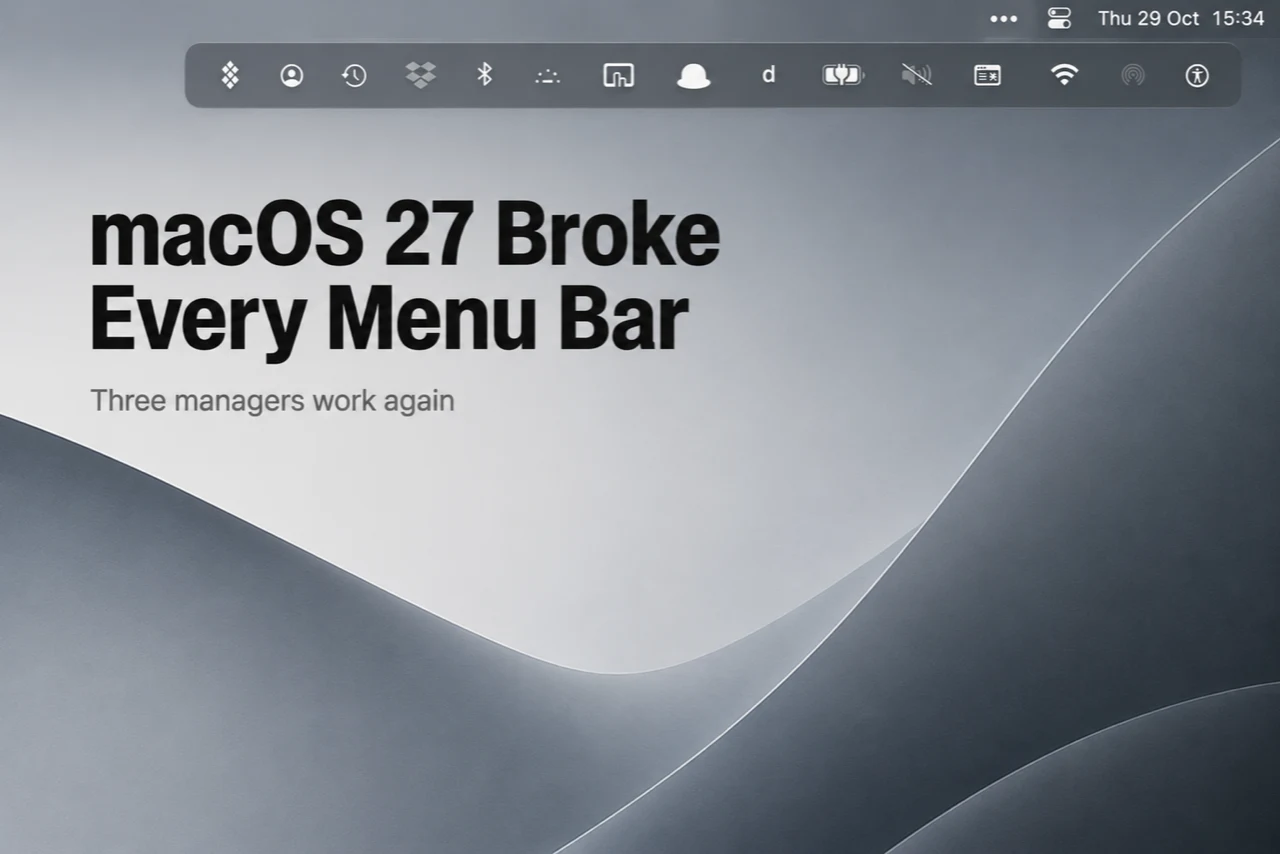
macOS 27 renders the whole menu bar as a single window instead of one window per icon, which broke every menu bar manager at once on beta 1. Three are working again: Bartender 6, Brow and Thaw. Ice is not, and the project has not shipped a commit in eleven months. Before you install anything, the native overflow button plus a pass through Control Center settles it for a lot of people.
On 8 June 2026, Apple shipped the first developer beta of macOS 27 Golden Gate, and every menu bar manager on the Mac stopped working. Not one by one over a summer of betas. All of them, that afternoon, for the same reason.
Nearly three months later the dust has settled enough to say who came back. Three managers work on macOS 27 today. Several well-known ones do not, and at least one is not coming back at all.
Why the whole category died at once
Every one of these apps was built on the same trick, and none of them were supposed to be.
Until Golden Gate, macOS drew each status icon as its own tiny window. That was an implementation detail, never a documented API, but it held for more than a decade and it gave developers something to grab: you could list those windows, screenshot them, move them, and shove the ones you wanted hidden off the right-hand edge of the screen. Every manager in this roundup, the $12 commercial one and the free GitHub one alike, worked that way.
macOS 27 draws the entire menu bar as a single window. There are no per-icon windows left to enumerate, so every app built on that assumption failed simultaneously. The BetterTouchTool forum reached that conclusion within days of beta 1, and the wording there was blunt about the consequence: this is not a patch anyone can ship in a week, it is an architectural rewrite for every app in the category.
The lesson worth taking from this: an entire app category rested on a side effect, and Apple removed the side effect without warning. Anyone telling you their manager is now future-proof on Golden Gate is guessing.
Where everything stands
| App | macOS 27 | Price | Notes |
|---|---|---|---|
| Bartender 6 | Working (beta) | From $12 | Deepest feature set. Golden Gate build is still a beta. |
| Brow | Working (stable) | Free | Menu bar is one module of about 25. Lives in the notch. |
| Thaw | Working (RC) | Free, open source | Fork of Ice. 2.0 is still a release candidate. |
| BetterTouchTool | Partial | Paid | Saved-layout workaround, not real hiding. |
| Ice | Broken | Free, open source | No commit since September 2025. |
| Hidden Bar | Broken | Free | Barely maintained before this. |
| Barbee, Sane Bar, Glow | Broken | Mixed | No confirmed fixes. |
How we ordered the three that work
Not by feature count, because on features this is not close: Bartender wins and the other two are not trying to compete on that axis. We ordered by how much you can trust the build you would install today, on an OS that ships to the public in a few weeks. A stable release that does less beats a promising one that is still closing regressions, if what you want is a menu bar that behaves the same tomorrow.
That ordering is a snapshot, and the third entry is the one most likely to move.
1. Bartender 6
Still the most complete menu bar manager on the Mac, and it is not particularly close. Per-app rules, triggers that reveal icons on conditions, spacing control, saved presets, search. If you had a Bartender setup before Golden Gate, nothing else here restores all of it.
The honest marks against it: the shipping version was broken for weeks, the fix is still labelled a beta, it costs money in a category where two free options now work, and it is closed source, so when Apple next changes the window server you wait and hope. Four-week trial, no card, so you can find out cheaply whether the feature depth matters to you.
2. Brow
Brow is an all-in-one utility we have reviewed separately, and its menu bar manager is one module out of roughly 25. Menu bar support on Golden Gate arrived in 1.0.63 as a normal stable release rather than a beta channel, which is the single reason it sits above Thaw here. It hides, shows and reorders icons, keeps a separator between the visible and hidden sets, and the hidden set expands out of the notch, which is a genuinely sensible place to put it given the notch is what causes the overflow in the first place.
What you should hold against it: the menu bar module is meaningfully thinner than Bartender's. No per-app rules, no conditional triggers, no spacing control. And you are installing an app with about 25 modules to get one of them, which is a real cost if you wanted a single-purpose utility and not a launcher, a clipboard manager and a focus timer arriving alongside it. It is also a young app from a small team, with the support surface that implies. If your only complaint is icons hiding behind the notch, this is a lot of app for that problem.
3. Thaw
Thaw is the open-source fork of Ice, and on current evidence it is the healthiest project of the three. Roughly 10,000 stars, commits landing daily, and a 2.0 rewrite aimed squarely at the single-window bar: menu bar item identity, layout persistence and notch overflow have all been reworked.
It sits third for one reason. 2.0 is a release candidate, and reading rc.3 through rc.5 in order is reading a reliability burn-down: hidden items dead for the first minute after launch, a cache that could stall indefinitely, layout repair that damaged the arrangement it was fixing, scans that re-probed every running app until the machine stuttered. Each was found and fixed, which is what a release candidate is for. rc.5 is described as the last one before stable.
If you are comfortable running a release candidate, or you want the version whose source you can read and whose maintainers answer issues, install Thaw now. When 2.0 stable lands, we expect to reorder this list, and Thaw is the entry that moves.
The ones that did not come back
Ice is the sad one. It was the free pick almost everyone recommended, with close to 30,000 stars. The macOS 27 bug report has been open since 8 June with 32 comments and no maintainer response, and the repository has not received a push since September 2025, eleven months before Golden Gate arrived. The project was already quiet before the OS broke it. If you are running Ice, it now shows every icon instead of the ones you chose, and nobody is coming.
BetterTouchTool has a partial answer: a Load Menu Bar Layout action that applies a saved arrangement from a shortcut or trigger. It is a workaround rather than a manager, with known rough edges around Notification Center and unhiding, and it only makes sense if you already own BTT for other reasons.
Hidden Bar, Barbee, Sane Bar and Glow all broke on beta 1 with no confirmed fixes since.
You might not need any of this
Worth saying before you install something. macOS 27 finally shipped a native answer: when icons stop fitting next to the notch, a double-arrow button appears at the edge of the icon area, and clicking it reveals what did not fit. Five years after Apple put a notch in the display, the overflow problem has an OS-level fix.
It is deliberately dumb. You cannot choose which icons hide, there is no ordering, no rules, no saved layouts. But if your entire complaint was that icons vanished behind the notch and you could not reach them, that complaint is now solved for free, and you can close this page.
The other free move is to open System Settings, go to Control Center, and turn off Apple's own items you never use. Wi-Fi, Bluetooth, Screen Mirroring and Focus do not go anywhere when you untick them, they just live in Control Center where you can reach them in a click. On most Macs that alone removes a third of the bar. Our older menu bar cleanup guide walks the whole sorting exercise, and most of it survived the macOS 27 rewrite intact.
Verdict
A manager earns its place the moment you want a say in the hiding: this icon pinned, that one tucked away, a divider between the two groups, an arrangement you can restore after a reboot. Short of that, the overflow button and ten minutes in Control Center settings cover it.
If you are installing one: Bartender if you had a real setup you want back and do not mind paying while the fix is still a beta. Thaw if you want free, open source and actively maintained, and a release candidate does not bother you. Brow if you want a stable build today and the notch is where your icons were getting lost anyway, accepting that you are taking 24 other modules along for the ride.
And whichever you pick, remember what August taught this category. All three of these work by leaning on behaviour Apple has never documented and could remove in any beta. Keep the exported layout.
How we checked
Repository activity, star counts, release dates and release notes for Ice and Thaw were read directly from the GitHub API on 29 August 2026. Bartender pricing and trial terms come from macbartender.com. Bartender's Golden Gate beta status and BetterTouchTool's workaround are as reported by the developers and the BetterTouchTool community thread. Brow's 1.0.63 menu bar support is the vendor's own release claim.
Apps in this review
Frequently asked questions
Which menu bar managers work on macOS 27?
Three, as of late August 2026. Bartender 6 has a Golden Gate beta, Brow ships menu bar support in a stable build from 1.0.63, and Thaw works in its 2.0 release candidate. BetterTouchTool has a partial workaround. Ice, Hidden Bar, Barbee, Sane Bar and Glow are still broken.
Why did macOS 27 break Bartender and Ice at the same time?
Because they all relied on the same undocumented behaviour. Until Golden Gate, macOS drew every menu bar icon as its own small window, and managers hid icons by finding and moving those windows. macOS 27 draws the entire bar as one window, so there is nothing left to enumerate. It was never an official API, which is why the whole category failed on the same build.
Is Ice dead?
It looks that way. The macOS 27 bug report has been open since 8 June 2026 with 32 comments and no maintainer response, and the repository's last push was September 2025, eleven months before Golden Gate shipped. Thaw is a fork of Ice built by other people, and it is where the active work now happens.
Do I need a menu bar manager on macOS 27 at all?
Often no. macOS 27 finally added a native overflow button that reveals icons that do not fit next to the notch, and turning off Apple's own icons in Control Center settings usually removes a third of the clutter. You need a manager if you want to choose which icons hide, keep a separator, or save layouts.