
AI Writing Tools for Devs: 6 Apps That Actually Help
The AI writing tools worth installing fix grammar system-wide, rewrite docs in your own tone and turn a diff into a commit message. System-wide tools beat per-app ones almost every time.
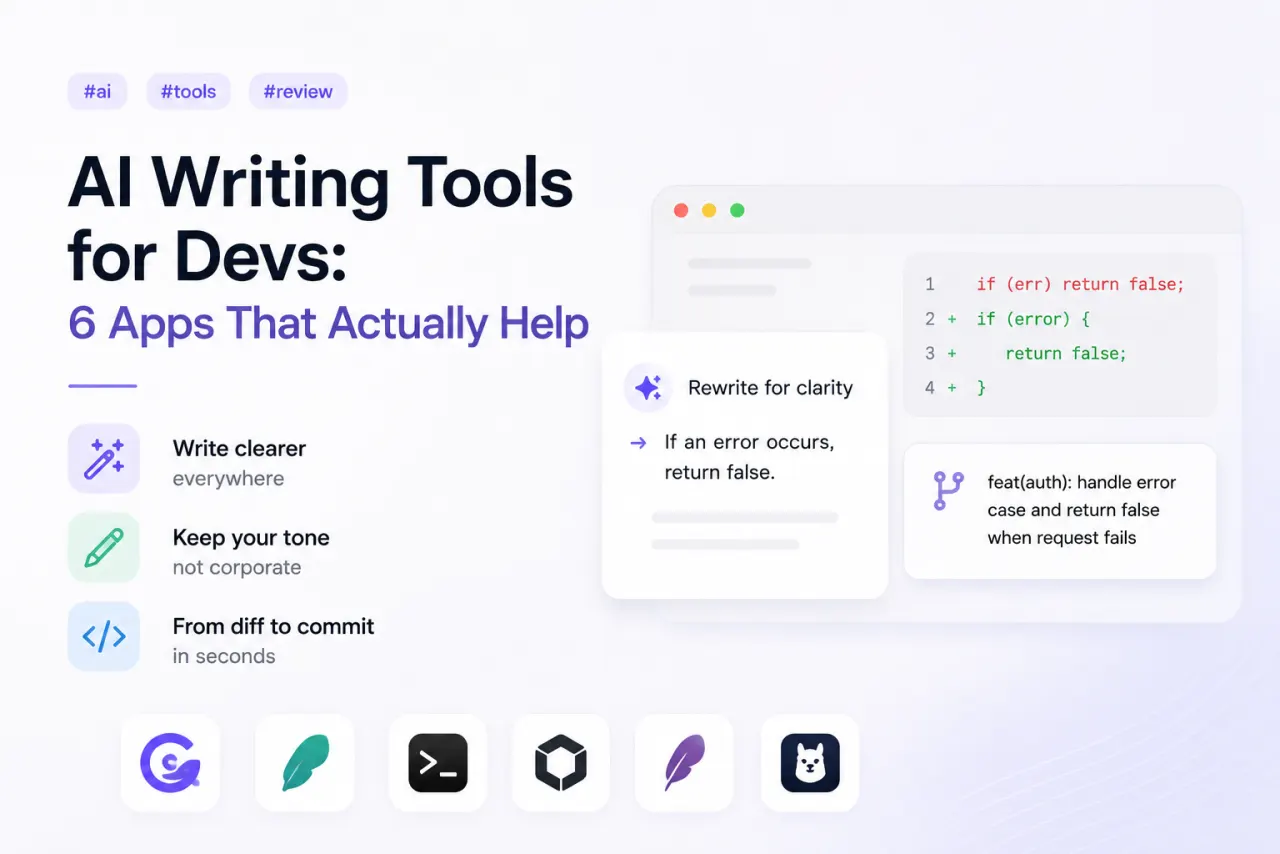
The AI writing tools worth installing fix grammar system-wide, rewrite docs in your own tone and turn a diff into a commit message. System-wide tools beat per-app ones almost every time.
Every week another AI writing app launches, and most are a thin wrapper around someone else's model. After cutting through the noise, these are the six categories, and picks, that actually earn a place in a developer's workflow.
How we judged them
Three questions. Does it work where you actually write, or only in one app? Does it keep your voice instead of flattening everything into corporate beige? And is it honest about where your text goes? Anything that failed the last one didn't make the list.
1. System-wide grammar fixers
The highest-value category. A good one cleans up grammar and clarity in any text field, your editor, Slack, the PR description, an email, with one shortcut. Per-app grammar plugins can't compete with a fixer that's always there. Our pick is Grammarly, which runs across macOS instead of living inside one editor.
2. Tone-preserving rewriters
Rewriting docs is where most tools fall down: they turn your terse, specific prose into padded marketing copy. The picks worth keeping rewrite for clarity while keeping your tone, and let you steer with "shorter", "plainer", "less hype". Raycast AI is the easiest version of this, since it rewrites whatever text you've selected in whatever app you're in.
3. Commit-message helpers
The genuinely useful trick: a tool that reads the staged diff and proposes a real commit message, not a generic "update files". The good ones follow Conventional Commits and summarise why, not just what changed. aicommits is the simplest way in: it reads your staged diff in the terminal and writes the message for you.
4. Inline assistants in the editor
Beyond autocomplete, an assistant that drafts a docstring, a README section or an error message in place. Useful, but narrower, it only helps where it's installed. GitHub Copilot is the obvious one here, now that its chat can draft docstrings and comments inline.
5. Long-form doc drafters
For RFCs, design docs and changelogs. These save the most time on the blank page, then need a firm human edit. Treat the output as a first draft, never a final one. For long drafts we lean on Claude, which can hold a whole design doc in context and keeps your wording when you ask it to.
6. Local-model tools
If you write anything under NDA, a tool that runs a local model keeps every word on your Mac. The quality gap to cloud models has shrunk enough that for grammar and rewriting, local is now a serious option. Ollama makes this painless: pull a model once and every rewrite stays on your Mac.
The best AI writing tool is the one that shows up in every text field, not the one bolted into a single editor.
Verdict
System-wide beats per-app nearly every time. Pair one always-available rewriter with one diff-aware commit helper and you've covered 90% of where AI actually speeds up a developer's writing, without surrendering your voice or your private text.
Apps in this review
Frequently asked questions
What's the best AI writing tool for developers?
There isn't a single winner. For system-wide grammar and rewriting, a tool that works in every text field beats a single-editor add-on. For commit messages, pick one that reads the actual diff. Most devs end up running one system-wide rewriter plus one commit helper.
Are AI writing tools private?
It depends where the model runs. Cloud tools send your text to a provider; on-device or local-model tools keep it on your Mac. If you write anything sensitive, prefer a tool that can run a local model or is explicit about not training on your input.